Tools and Tech Every Event Production Assistant Should Know
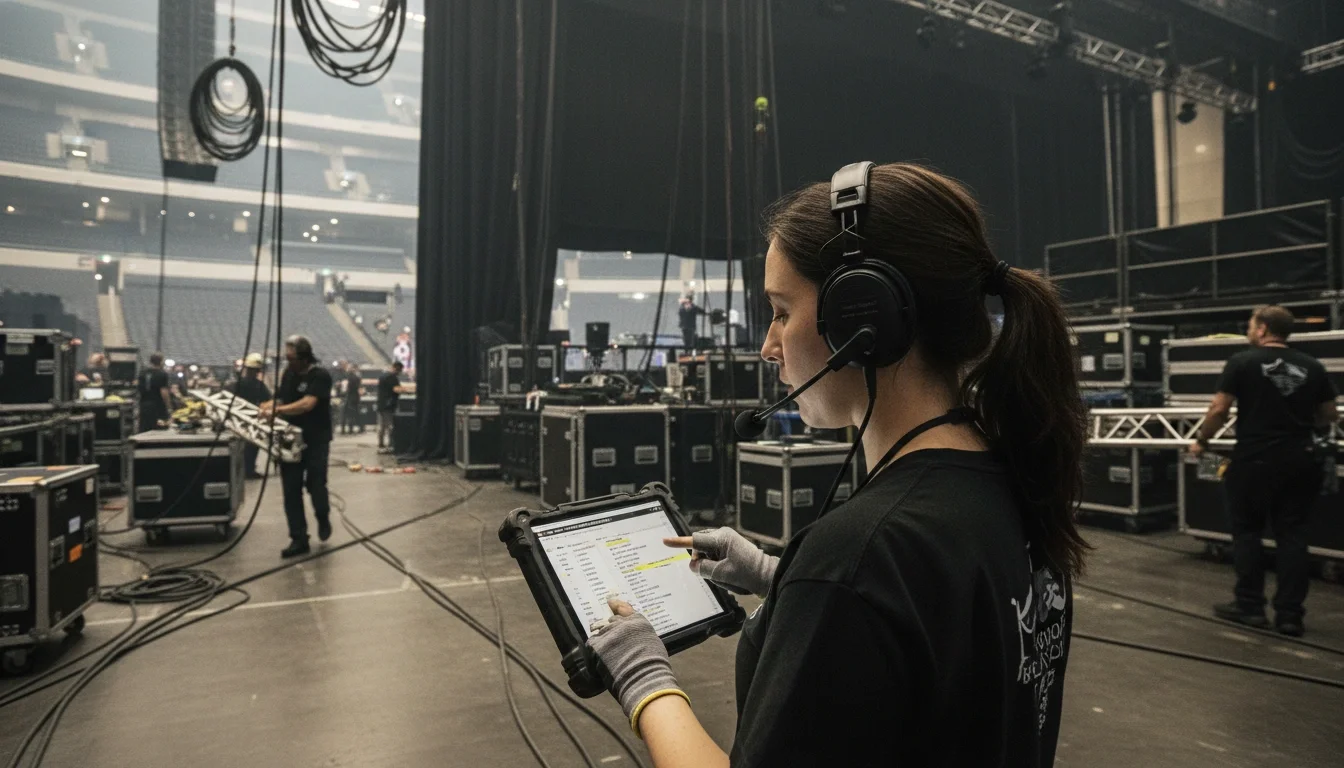
An event production assistant reviewing a tablet run-of-show at a large venue, headset on, backstage atmosphere
Walk into any large-scale event — a corporate conference in downtown Los Angeles, a brand activation at a stadium, a product launch for a Fortune 500 company — and you'll find an event production assistant holding the whole thing together behind the scenes. They're the ones coordinating vendors through a walkie-talkie, pulling up the run-of-show on a tablet, and troubleshooting the check-in bottleneck at the entrance.
What separates a competent assistant from an indispensable one? In today's industry, it's largely tech fluency. Knowing which tools to use — and how to use them under pressure — is the difference between a smooth event and an avoidable disaster.
This guide covers the essential tools and technologies every event production assistant should have in their toolkit, organized by the phase of production where they matter most. Whether you're brand new to the industry or leveling up your skill set, this is the tech stack that will make you the professional every event director wants on their team.
Quick Answer: Event production assistants should be proficient in project management platforms (Asana, Airtable), run-of-show tools, digital check-in systems, communication apps, AV basics, and post-event analytics platforms.
Why Tech Literacy Sets Great Assistants Apart
The event industry has always been fast-paced. But the sheer number of moving parts in modern productions — multi-vendor logistics, hybrid streaming, RFID-enabled attendee tracking, real-time communication across departments — means that assistants who rely on paper checklists and phone calls alone will struggle to keep up.
Event technology isn't just about efficiency. It's about visibility. When every team member is working from the same shared run-of-show document or the same communication app, mistakes get caught before they become crises. When check-in data is live and accessible, you can respond to bottlenecks in real time instead of discovering them after the damage is done.
The good news is that most of these tools are learnable. You don't need a tech background — you need curiosity, practice, and a willingness to become the person on-site who knows how everything works.
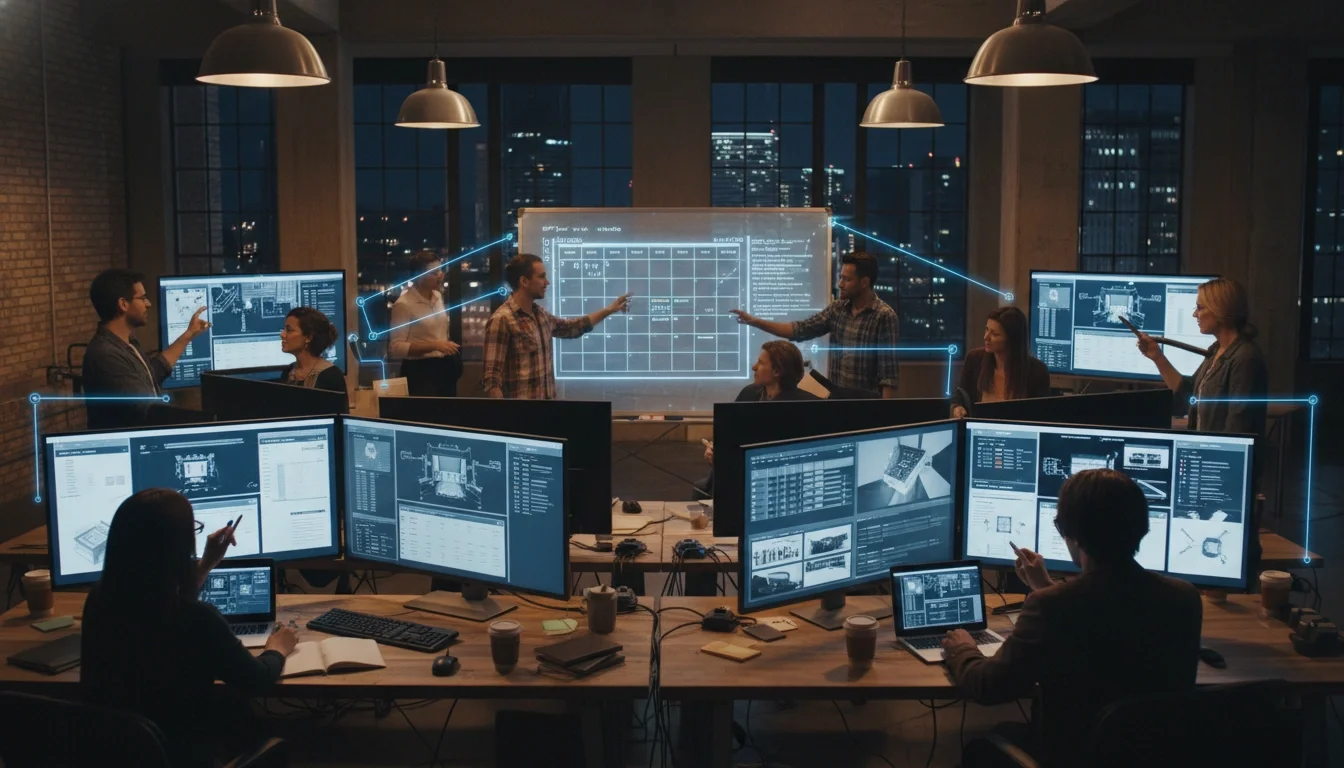
Event production team reviewing shared digital documents on multiple screens in a production office
Before the Event: Planning & Coordination Tools
The work of an event production assistant begins long before anyone sets foot in a venue. The pre-production phase is where schedules are built, vendors are confirmed, and the event blueprint is created. These are the tools that power that process.
Project Management Platforms
If you're not already fluent in at least one project management platform, start here. These tools are the operational backbone of most production offices.
Asana: Excellent for task assignment, deadline tracking, and multi-team coordination. Popular with mid-to-large event agencies.
Trello: A visual, card-based system that works well for smaller teams or individual workflow management. Easy to learn.
Airtable: Combines the flexibility of a spreadsheet with the power of a database. Increasingly popular in events for managing vendor contacts, staff schedules, and asset tracking all in one place.
Monday.com: Strong automation features and a clear visual timeline that production teams use for multi-day event builds.
As an assistant, you'll often be the person keeping these boards updated — logging completed tasks, flagging blocked items, and making sure everyone on the team has access to the latest information.
Run-of-Show & Call Sheet Software
The run-of-show (ROS) is the master document that governs every moment of an event. If you don't know what it is or how to build one, make this the first thing you learn.
A run-of-show is a minute-by-minute timeline that maps every cue, speaker, transition, and technical element from load-in to load-out. Event assistants are often responsible for maintaining, distributing, and updating this document in real time.
Showflow: Purpose-built run-of-show software that syncs with your team in real time — when the timeline shifts, everyone's version updates automatically.
EventKPI: Combines run-of-show functionality with event analytics and team communication.
Google Docs / Notion: Many productions still use collaborative documents for run-of-show. The key skill is formatting and maintaining them under pressure.
Call sheets — the production-side documents that specify crew call times, contact info, and location details — are equally essential. Get comfortable building and distributing these, as they're often an assistant's responsibility.
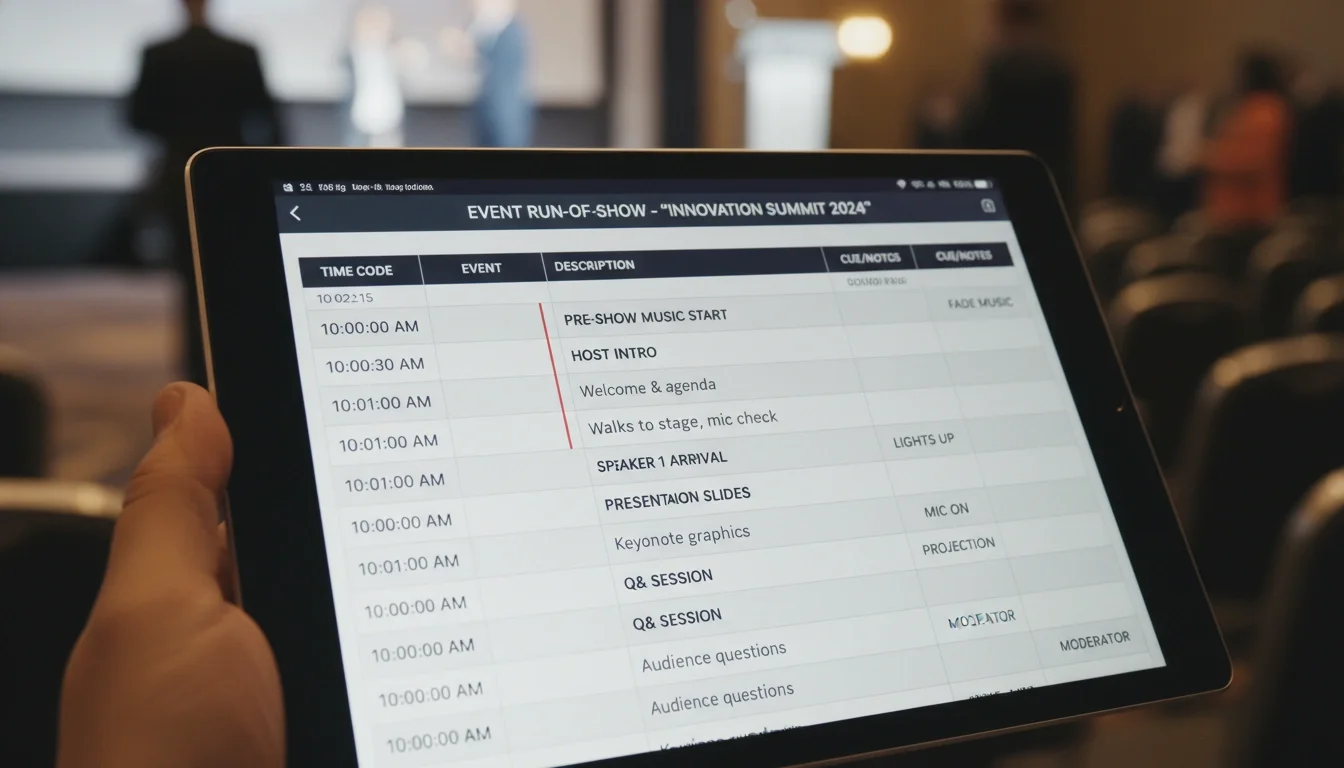
A close-up of a digital run-of-show document on a tablet screen with time-coded event cues
Budgeting & Vendor Management Tools
Event assistants rarely own the budget, but they frequently manage the spreadsheets behind it. Knowing how to work with:
Google Sheets or Microsoft Excel for budget tracking and vendor comparisons
QuickBooks or FreshBooks for invoice processing (common in production offices)
DocuSign or Adobe Sign for fast contract turnaround with vendors
...will make you significantly more valuable to a production director. The assistants who can juggle a vendor contact sheet, a purchase order log, and a budget tracker simultaneously are the ones who get promoted.
During the Event: On-Site Execution Tools
The day-of is where your technical preparation either pays off or falls apart. These are the tools you'll use on the ground, often with very little time to troubleshoot.
Attendee Check-In & Registration Technology
First impressions start at check-in. Long lines, lost registrations, or staff fumbling with a laptop destroy the attendee experience before the event even begins. Modern check-in technology solves this.
Eventbrite: One of the most widely used ticketing and check-in platforms. Learn how to set up an event, manage the guest list, and use the check-in app.
Whova: A comprehensive event app that includes check-in, attendee networking, scheduling, and push notifications — useful for conferences and conventions.
RFID & NFC Wristbands: For large-scale events, festivals, and conventions, RFID wristbands allow for contactless check-in, cashless payments, and attendee tracking at scale. Companies like NFCtagify specialize in this technology.
Boomset / zkipster: High-end check-in platforms used at VIP events, galas, and brand activations where precision and speed are non-negotiable.
As a production assistant, your job is to set up devices ahead of time, train door staff on the system, and be the first person troubleshooting when something doesn't work.
Communication & Radio Alternatives
Clear communication on a large event floor is everything. The classic solution — two-way radios — is still widely used and you should absolutely know how to program, charge, and operate a basic radio system.
But modern events often supplement radios with:
Zello: A push-to-talk app that turns smartphones into walkie-talkies — useful when radios run out or for staff who aren't in close proximity.
Slack: Widely used for pre-event and day-of team communication, especially for connecting departments that don't need real-time voice communication.
GroupMe or WhatsApp: Simpler group messaging tools commonly used for on-site staff coordination, especially with large contract teams.
As a production assistant, you'll often be the one setting up communication channels, distributing radio assignments, and making sure every department head is reachable throughout the event.
Pro tip from 30+ years of event staffing: The biggest day-of failures almost always trace back to a communication breakdown. Know your communication tools cold before the event begins.
Staffing Coordination & Scheduling Apps
Large-scale events require staffing coordination that goes far beyond a printed schedule. When you're managing 50 to 500 staff members across multiple zones, you need platforms designed for it.
When I Work: Scheduling and time-tracking software designed for shift-based teams — useful for managing large event crews.
Deputy: Similar to When I Work, with strong mobile functionality and location-based clock-in features.
Sling: A scheduling and communication platform popular with hospitality and event teams.
For events working with a professional staffing agency like Eleven8 Events, much of the staffing coordination is handled by a dedicated account manager — so the production assistant's job becomes communicating the schedule and on-site expectations rather than building the roster from scratch. This is one major advantage of working with an experienced agency.
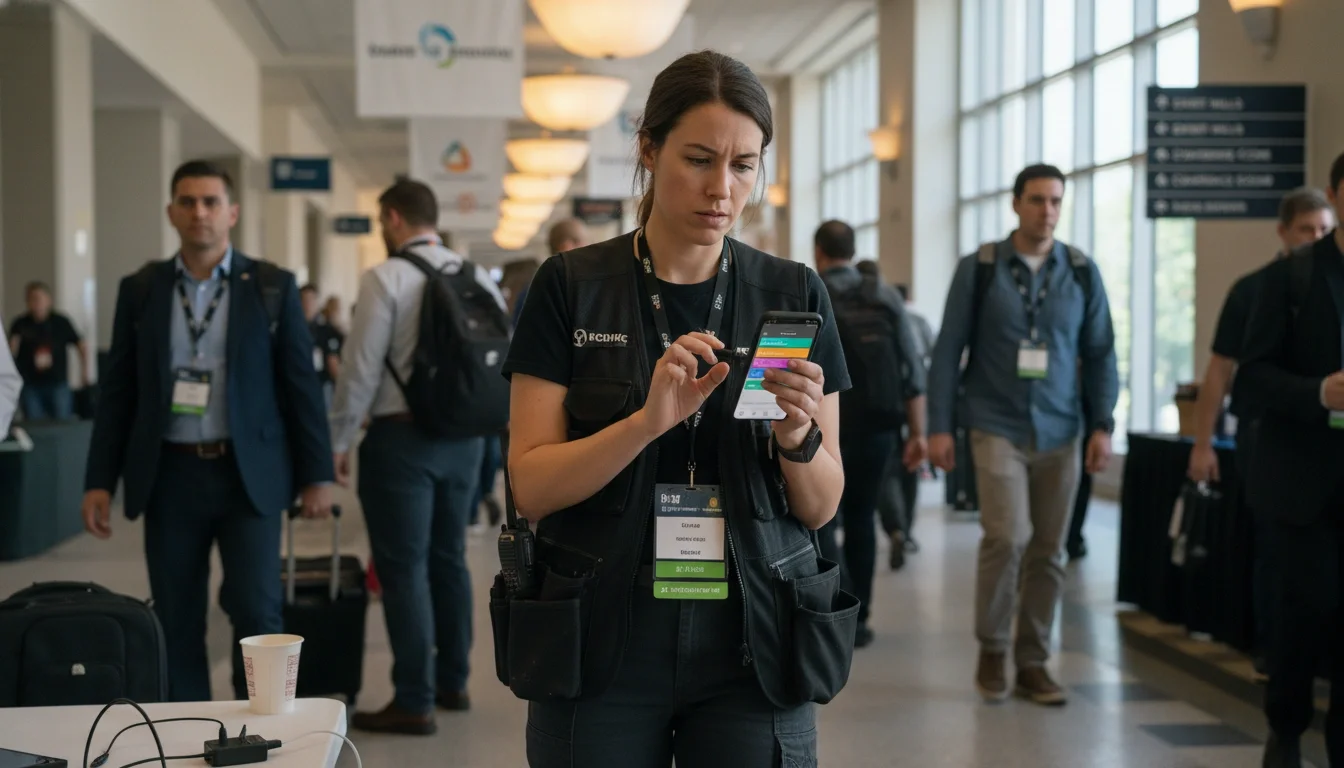
Event production assistant reviewing staff schedule on smartphone app at a convention center
Production & AV Technology Basics Every Assistant Should Understand
You don't need to be an AV technician. But if you're working in event production, a foundational understanding of the technical infrastructure will make you far more effective — and far more employable.
Audio-Visual Equipment Fundamentals
Every event production assistant should be able to confidently identify and discuss:
Microphone types: handheld wireless, lavalier (lapel), headset, and podium mics — and the situations each is appropriate for
Mixing boards: what they do, how to communicate with the A1 (audio engineer), and what common problems sound like
LED walls vs. projection screens: the pros and cons of each for different venue types and lighting conditions
HDMI, SDI, and XLR cable types: because you will be asked to run, locate, or troubleshoot these at some point
You don't need to operate this equipment — but knowing what it is means you can communicate clearly with vendors, support technical staff, and flag problems before they escalate.
Lighting Control Basics
Lighting dramatically affects the feel of an event and is one of the most commonly adjusted elements during rehearsals and live productions. As an assistant, knowing the difference between:
Static vs. dynamic (moving) lighting rigs
Spot vs. wash fixtures
Basic DMX controller terminology
How to communicate a lighting cue change to the LD (lighting director)
...will help you serve as an effective liaison between the production director and technical departments.
Live Streaming & Hybrid Event Tools
Hybrid events — which combine in-person and virtual attendance — have become standard across corporate, conference, and entertainment productions. As an assistant, you should understand the basic workflow:
StreamYard / Restream: Browser-based live streaming tools that are accessible and commonly used for smaller to mid-size hybrid events.
vMix / Wirecast: Professional-grade production software for more complex multi-camera live productions.
Zoom Webinar / Hopin: Widely used for corporate conference and hybrid meeting formats.
Even if a dedicated streaming engineer handles the technical execution, production assistants are often responsible for coordinating speaker schedules, managing Q&A queues, and monitoring the virtual chat during live productions.
Post-Event: Analytics, Reporting & Follow-Up Tools
The event ends, the venue clears out, and a production assistant's work isn't done. Post-event reporting and follow-up are increasingly important — and the tools that support them matter.
Event Analytics Platforms
Modern event platforms generate a wealth of data: attendance rates, check-in timing, session popularity, app engagement, and more. Being able to extract and present this data in a clear format is a skill that sets you apart.
Eventbrite Analytics: Provides attendee data, registration trends, and revenue breakdowns.
Whova / Bizzabo: Enterprise-level analytics on attendee engagement and session performance.
Google Analytics: For event websites and landing pages — helps track registration traffic and conversion sources.
Post-Event Survey Tools
Gathering feedback is essential for improving future events. Production assistants are often responsible for deploying and collecting survey data.
SurveyMonkey: A straightforward and widely used survey platform.
Typeform: Creates more engaging, interactive surveys with higher completion rates.
Google Forms: Fast, free, and integrates with Google Sheets for immediate data analysis.
CRM and Follow-Up Automation
For corporate events and brand activations, attendee follow-up is often tied directly to sales and marketing objectives. Assistants who understand how event data feeds into CRM systems — and can support that process — are invaluable to production companies and agencies.
HubSpot: A popular CRM with strong event integration capabilities.
Salesforce: Standard at large corporate events and enterprise brand activations.
Mailchimp / ActiveCampaign: For automated post-event email sequences and follow-up campaigns.
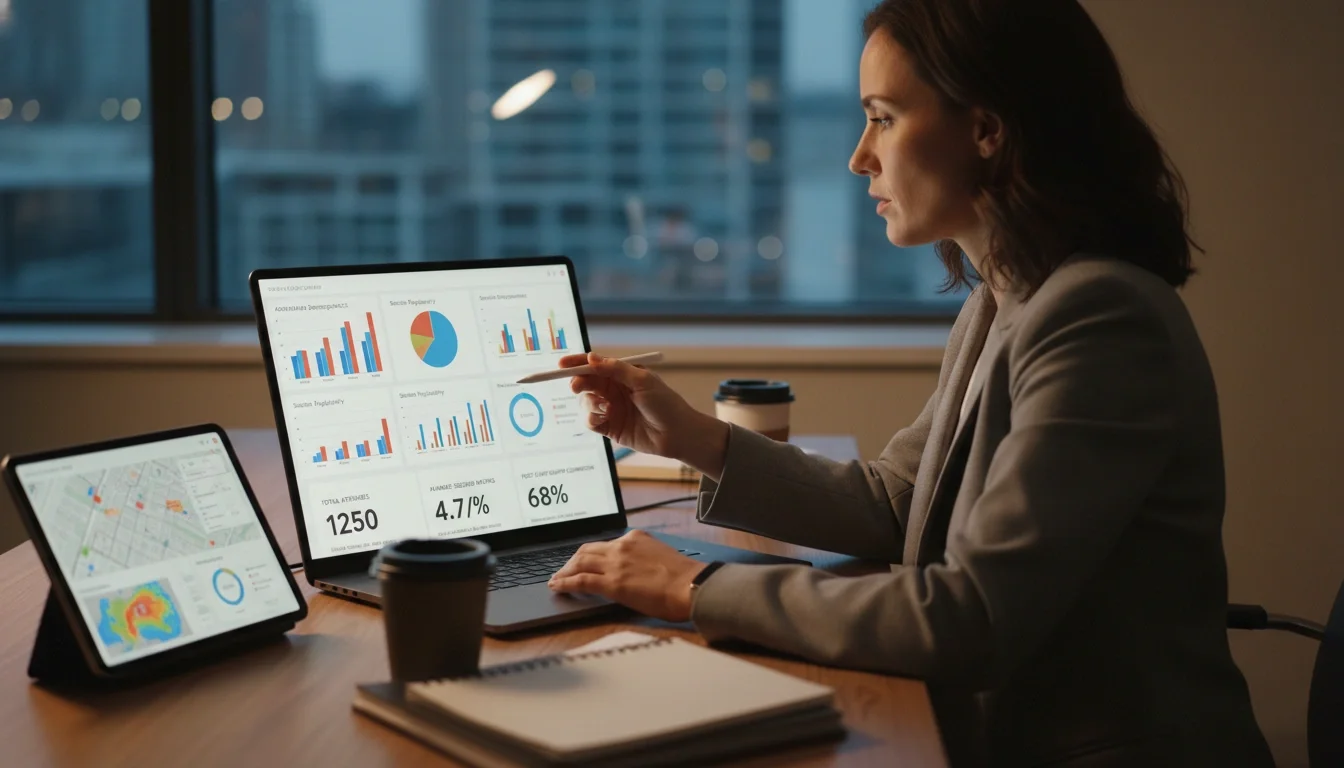
Event planner reviewing post-event analytics dashboard on a laptop with charts and attendance data
The Tool No App Can Replace: Skilled Event Staff
Here's the reality that every experienced production professional knows: no amount of technology replaces the quality of the people executing on the ground.
A flawless run-of-show is only as good as the staff who follow it. A sophisticated check-in system only works if the people operating it are calm, professional, and trained to handle the unexpected. RFID wristbands don't smile at guests or de-escalate a situation at the VIP entrance — people do.
This is why the most tech-forward productions also invest heavily in their people. Companies like Eleven8 Events pair rigorous technology-enabled staffing coordination with an elite selection process — accepting only the top 3.5% of applicants — because the tools and the talent must work together.
If you're an event production assistant building your tech skills, pair that growth with intentional service training. The assistants who become indispensable are those who can operate Airtable and a two-way radio and deliver an exceptional guest experience simultaneously.
And if you're an event planner looking for staff who can hit the ground running — people who already understand the tools, the workflow, and the standard — explore the professional event staffing services at eleven8. With over 30 years of experience staffing productions for brands like Nike, Versace, and The Academy, the Eleven8 team brings both the technology framework and the human expertise your event needs.